Unlock links have become a popular way for creators to protect content while increasing engagement. Instead of giving direct access, creators ask users to complete specific actions before unlocking a link. This method creates a fair exchange between value and participation.
As a result, the phrase “unlock link complete the actions and unlock the link” often appears on gated pages. Understanding how this system works helps users avoid confusion and helps creators design better unlock experiences.
Complete the Actions and Unlock the Link
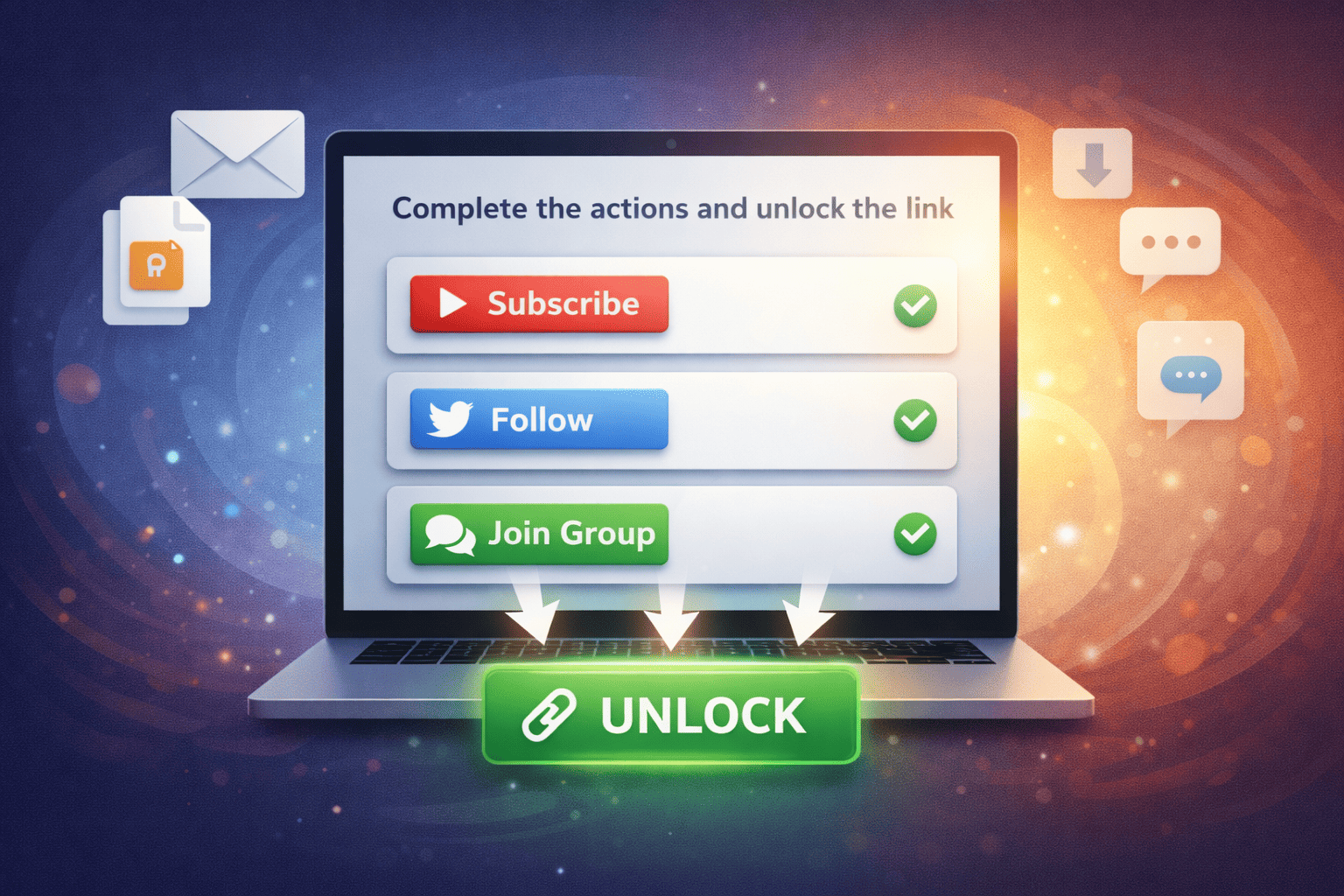
The phrase “complete the actions and unlock the link” explains a simple but structured process. Users must finish specific tasks before the system grants access to locked content. These tasks usually appear clearly on the unlock page, so users know exactly what to do before proceeding.
First, users open the unlock link and review the required actions. These actions may include subscribing to a channel, following a social media account, or joining a group. At this stage, understanding each requirement helps users complete the process faster and avoid errors.
Next, users complete each action one by one. The system checks every action automatically through verification mechanisms. As users finish tasks successfully, the unlock progress updates in real time, confirming that the system recognizes their participation.
Once all actions are completed, the unlock button becomes active. At this point, users can click the button to unlock the link and access the promised content. The system then redirects them to the final destination, such as a download page, private URL, or exclusive resource.
Finally, the unlocked content becomes available immediately or for a limited time, depending on the creator’s settings. Therefore, users should access or save the content promptly. This process ensures a fair exchange, where users gain access and creators receive meaningful engagement.
Why Unlock Links Require Actions
Unlock links require actions to create a balanced exchange between creators and users. Instead of giving content away freely, creators ask for simple interactions that support their growth. This model allows creators to protect valuable content while still offering free access.
In addition, required actions help creators measure real engagement. When users subscribe, follow, or join a group, those actions reflect genuine interest. As a result, creators gain higher-quality audiences rather than random or one-time visitors.
Required actions also help reduce spam and misuse. By limiting access to users who complete specific steps, unlock links filter out bots and low-intent traffic. This improves data accuracy and keeps campaigns clean and effective.
Finally, action-based unlock links improve user transparency. Users clearly see what they must do and what they will receive in return. When creators communicate this exchange openly, trust increases and completion rates improve.
Common Actions Required to Unlock a Link
Most unlock links require one or more of the following actions:
- Subscribe to a YouTube channel
- Follow an Instagram, TikTok, or X account
- Join a Telegram or Discord group
- Like or share specific content
Creators choose actions based on their goals. However, combining too many actions can reduce completion rates, so balance is important.
How to Complete Actions and Unlock the Link
Completing actions to unlock a link follows a clear and user-friendly process. When users understand each step, they can unlock content quickly without confusion. The list below explains each stage in detail, from opening the link to accessing the final content.
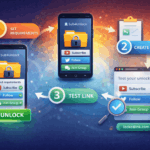
1. Open the Unlock Link and Review the Requirements
First, users open the unlock link that leads to subs4unlock.id. Once the page loads, the system clearly displays all required actions needed to unlock the content. These actions may include subscribing to a channel, following a social media account, or joining a group, depending on how the creator configured the link.
At this stage, users should carefully review each requirement shown on the subs4unlock.id unlock page. The platform presents the instructions in a simple and structured layout, making it easy to understand what must be completed. By reading the requirements carefully before taking action, users reduce errors and ensure a smoother unlock process.
2. Complete Each Required Action One by One
Next, users complete the listed actions individually. This may involve subscribing to a channel, following a social account, or joining a messaging group. The system tracks each action automatically in the background.
As users complete actions, progress indicators usually update in real time. These confirmations reassure users that the system recognizes their actions and moves them closer to unlocking the link.
3. Verify That All Actions Are Successfully Completed
After completing the actions, users should wait a few seconds for verification. Some platforms require a short delay to confirm subscriptions or follows correctly.
If verification does not update immediately, users can refresh the page or ensure they are logged into the correct account. Proper verification ensures the unlock process works smoothly.
4. Click the Unlock Button to Access the Content
Once all actions are verified, the unlock button becomes active. Users can then click it to unlock the link and proceed to the final destination.
The system redirects users automatically to the locked content. This may include a download page, private URL, or exclusive resource, depending on the creator’s setup.
5. Access and Save the Unlocked Content
After unlocking, users gain immediate access to the promised content. In many cases, the link opens instantly without additional steps.
However, some unlock links may expire or limit access time. Therefore, users should access, download, or save the content promptly to avoid losing access.
Understanding how to complete the actions and unlock the link makes the process fast and frustration-free. By following each step carefully, users gain access smoothly while creators receive meaningful engagement. This structured approach ensures unlock links remain fair, effective, and beneficial for both sides.
What Happens After the Link Is Unlocked?
After unlocking, users gain immediate access to the promised content. This may include a download, private page, discount code, or exclusive information. In most cases, no further steps are required.
However, some links may expire or allow limited access. Therefore, users should save or use the unlocked content promptly if restrictions apply.
Unlock links that require users to complete the actions and unlock the link create a balanced system for both creators and users. By understanding how the process works and following the steps correctly, users gain access smoothly, while creators receive meaningful engagement.
When implemented properly, action-based unlock links become a powerful tool for content protection, growth, and trust-building.
Frequently Asked Questions (FAQ)
1. How does Sub4Unlock work?
Sub4Unlock works by locking a link or content behind required actions such as subscribing, following, or joining a group. Once users complete all required actions, the system automatically unlocks the link and grants access to the content.
2. Is there a limit to generating links?
No, there is no limit to link generation. You can create as many Sub4Unlock links as you need without any restrictions. This allows creators to manage multiple campaigns and content types easily.
3. What if you forget or lose your shortened link?
If you are a registered user, you don’t need to worry about losing your shortened links. You can log in to your dashboard at any time to view, manage, and recover all links associated with your account.
4. Does Sub4Unlock follow community rules?
Yes, Sub4Unlock follows platform and community guidelines. Users must comply with social media rules and content policies when creating unlock links to ensure safe and fair usage for everyone.
5. What happens if users use adult-type links?
Adult-type links are not allowed on Sub4Unlock. If such links are detected, they will be blocked, and the associated channel or content will be removed from the system to maintain a safe platform.